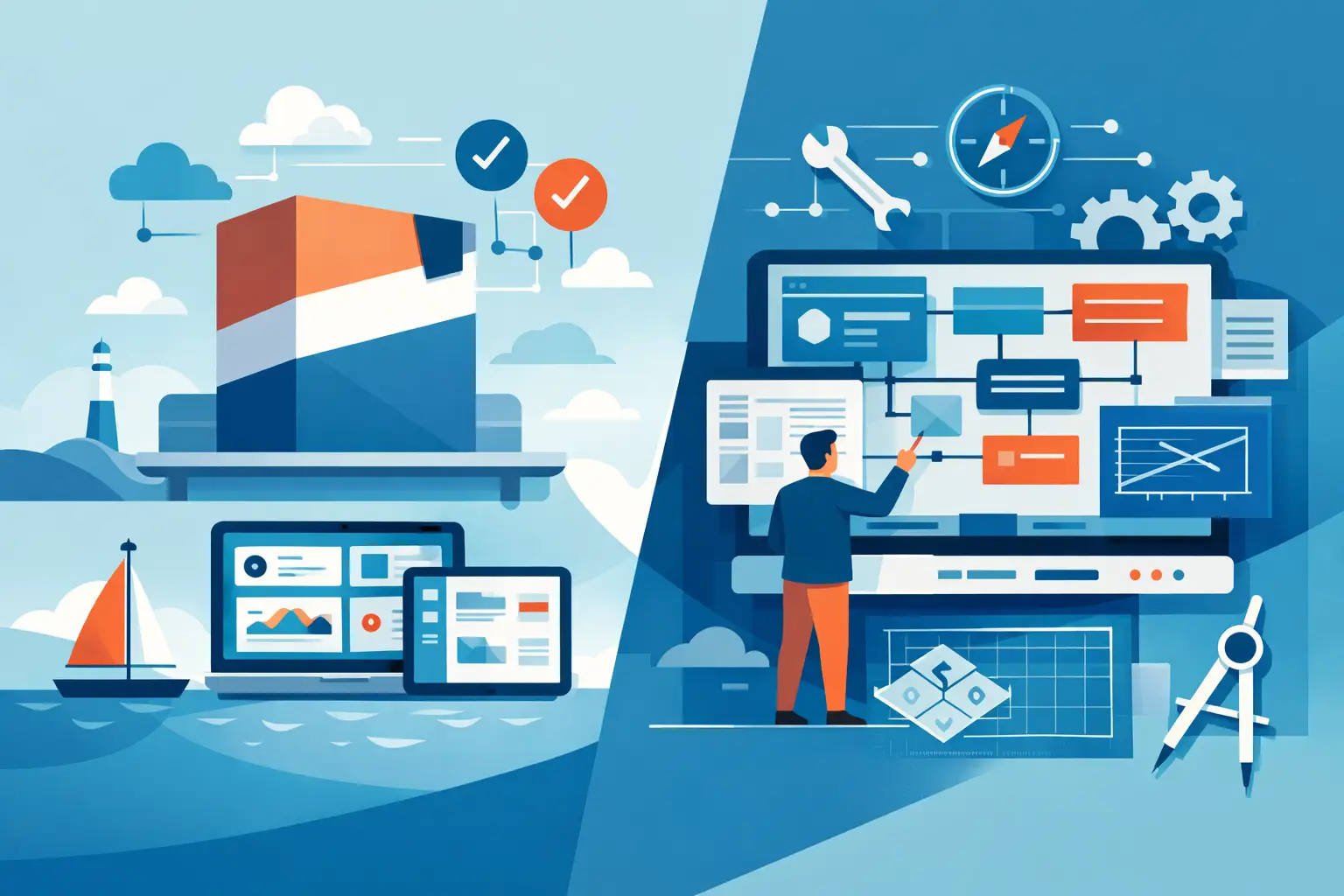
A team can tolerate a surprising amount of operational friction before it finally becomes visible. The cracks usually show up in small ways first - a customer onboarding step handled in email, a spreadsheet that only one person understands, a handoff that gets missed when someone is out. That is where the real decision around off the shelf software vs custom systems starts. It is rarely about technology preference. It is about whether your business can keep running on borrowed structure.
For growing companies, this choice is not theoretical. It affects how work moves, where mistakes happen, and how much energy your team spends compensating for gaps in the system. Some businesses need a ready-made tool and should use one. Others have reached the point where another subscription only adds one more layer of complexity.
Off the shelf software vs custom systems in plain English
Off the shelf software is built for a broad market. It solves a common problem in a standardized way. Think CRM platforms, project tools, inventory systems, scheduling platforms, or form builders. You pay for access, configure what you can, and adapt your workflow around the product.
Custom systems are built around your business. They reflect your actual process, rules, exceptions, approvals, and data relationships. That might mean an internal operations tool, a client portal, a workflow engine, or software that connects the tools you already use into one reliable system.
Neither option is automatically better. The better choice depends on how specific your operations are, how much friction your team is carrying, and whether your current process is a stable one worth building around.
Where off the shelf software works well
Off the shelf tools make sense when the problem is common and your process does not need to be unusual. Accounting is a good example. Basic scheduling is another. If the operational need is well understood across thousands of businesses, there is a decent chance a mature product already handles it well enough.
This route is usually faster to start. Upfront cost is lower. Your team can often begin using the tool in days or weeks instead of waiting through discovery, design, and build. For earlier-stage companies, that speed matters.
There is another advantage that gets overlooked. Standard software can bring useful discipline. If your team has no consistent process yet, a structured product can force decisions that help you organize work. A tool with guardrails is often better than a vague process living in people’s heads.
Still, the value of off the shelf software depends on how much adaptation your business has to do to make it usable. A monthly subscription looks affordable until three departments are maintaining side spreadsheets, manually re-entering data, and building workarounds around missing logic.
Where custom systems earn their place
Custom systems start to make sense when operational complexity is no longer incidental. If your business depends on approvals, exceptions, internal routing, conditional steps, or data moving between multiple tools, a generic product may begin to fight your process instead of supporting it.
This is common in companies that have grown past the simple phase. The founder still knows how everything works. The team does not. People rely on memory, screenshots, Slack messages, and repeated explanations. Work gets done, but only through constant manual intervention.
At that point, custom software is less about adding features and more about replacing fragility. A well-designed system can centralize process, reduce duplicated work, and make responsibilities visible. It can enforce the steps your business already depends on instead of hoping people remember them.
That is why custom systems often create relief beyond the software itself. They reduce the number of places where operational knowledge can leak out of the business.
The real trade-off is not build vs buy
Most articles frame this as a simple cost comparison. That misses the point.
The actual trade-off is convenience now versus fit over time. Off the shelf software gives you a faster start. Custom systems give you tighter alignment with the way your business works. If your operations are straightforward, convenience wins. If your operations are becoming a patchwork of exceptions and manual corrections, fit starts to matter more.
There is also a control question. With packaged software, the product roadmap belongs to someone else. You work within their model, their pricing, their integrations, and their limitations. That can be perfectly fine when the tool supports a non-core function. It becomes riskier when the tool sits in the middle of a critical workflow.
Custom systems shift that control back to the business. You decide what gets built, how data is structured, and which constraints actually matter. That control comes with responsibility, of course. You need thoughtful planning, ongoing maintenance, and a clear understanding of the process you are trying to improve.
Signs you should stay with off the shelf tools
If your current pain is mostly about setup, training, or tool selection, custom software may be premature. Many teams do not have a software problem. They have a process discipline problem.
You are usually better served by off the shelf software when your workflow is still evolving quickly, when your team is small enough to coordinate informally, or when the business case for custom work is still weak. If a product handles 80 to 90 percent of what you need without creating major workarounds, that is often good enough.
It also makes sense to stick with packaged tools when the function is not strategically unique. Payroll does not need to be custom for most businesses. Basic document signing does not either. Custom systems should be reserved for the areas where your operations genuinely need tighter support.
Signs you are outgrowing packaged software
The warning signs are usually operational before they are technical. Your team starts exporting data just to make the system usable. You are paying for several tools that overlap but do not share context. One department has to clean up what another department enters. Customers feel delays because internal handoffs are inconsistent.
Another common signal is when your process depends on exceptions that matter. Not edge cases that happen once a year, but recurring variations that the business actually needs. When software treats those cases as awkward add-ons, the team ends up building shadow systems around the product.
That is often the moment when leaders say they have outgrown their setup. What they usually mean is this: the systems behind the business no longer reflect how the business actually operates.
A practical way to decide
Start with the workflow, not the tool.
Map the process that is causing the most friction. Look at where information enters, who touches it, what decisions get made, where delays happen, and which steps rely on memory or manual follow-up. This exercise alone tends to clarify whether the problem is poor software, poor process design, or both.
Then ask three questions.
First, is this workflow central to how the business runs or scales? Second, does it involve enough complexity that generic software creates repeated workarounds? Third, is the process stable enough to build into a system?
If the answer is no across the board, packaged software is probably the right move. If the answer is yes, custom work becomes easier to justify.
There is also a middle path that many businesses overlook. You do not always need to replace everything. Sometimes the right answer is a custom operational layer that connects existing tools, adds business logic, and gives the team one place to run the workflow properly. That approach can preserve useful software while fixing the real bottleneck.
Cost matters, but so does operational drag
Custom systems cost more upfront. That is real. They also require careful discovery and a clear scope. A good partner should push on vague requirements and help define what actually needs to be built.
But packaged software carries costs too. They just show up in quieter ways. Manual reconciliation, training overhead, missed handoffs, duplicate entry, reporting gaps, and process inconsistency all have a price. Those costs usually land on the team first and the balance sheet later.
The question is not whether one option is cheap and the other expensive. The question is where you want to pay. You can pay in subscription fees plus ongoing operational friction, or you can pay to build a system that reduces that friction in a meaningful way.
For companies in the awkward middle stage of growth, that distinction matters. A business can survive on patched-together tools for longer than it should. Scaling cleanly is harder.
A steady system gives your team fewer things to remember, fewer places for work to disappear, and more confidence that the business can handle growth without constant improvisation. That is usually the right lens for this decision. Choose the option that gives you clearer operations, not just new software.


